
Looking for an alternative to Tidio Lyro?
A shipping inquiry might end with a single response. Choosing the right size may require multiple exchanges. With Lyro and Cogitas, the length of that dialogue impacts the plan differently.
Plans compared
| Criteria | Cogitas Starter | Tidio Starter with Lyro |
|---|---|---|
| Price | $29/month with annual billing ($348/year), or $39/month month-to-month. | $390/year, equivalent to $32.50/month for the configuration supporting 50 conversations. |
| Included volume | 3,000 units per month, up to 3,000 responses with Standard quality. | 50 monthly conversations managed by AI and humans, with a shared quota. |
| Team access | 1 AI assistant and 3 team members. | Up to 10 operator seats on Starter per Tidio's pricing. |
With Cogitas, each Standard response consumes one unit, an Enhanced response consumes two, and an Extra response consumes sixteen. Voice minutes have a separate allowance.
Estimate plan for your site →Which to choose?
When to choose Cogitas
Want to handle short queries from many visitors and identify products causing hesitation? To estimate your plan, start by calculating how many AI responses you send on average per visit.
When to choose Tidio Lyro
Many operators manage a few long conversations. Tidio combines Lyro and operators within the same conversation quota, with Starter supporting up to ten seats.
FAQs
- How much do three responses in the same chat consume?
- If they fall within the same conversation counted by Tidio, they use one conversation. In Cogitas, three completed Standard-quality AI responses consume three units.
- What data should I look for before choosing?
- Take a typical week. Count the conversations that receive a response and, separately, count how many responses you would delegate to AI. These are the two figures to project monthly to evaluate plans.
Sources and prices in USD verified on .
A collaborative environment where people and AI work as a team.
There are moments when a human makes the difference. Cogitas hands off the conversation to your team with questions, answers, and context already prepared.
The customer picks up right where they left off. Your team can focus on how to help them.
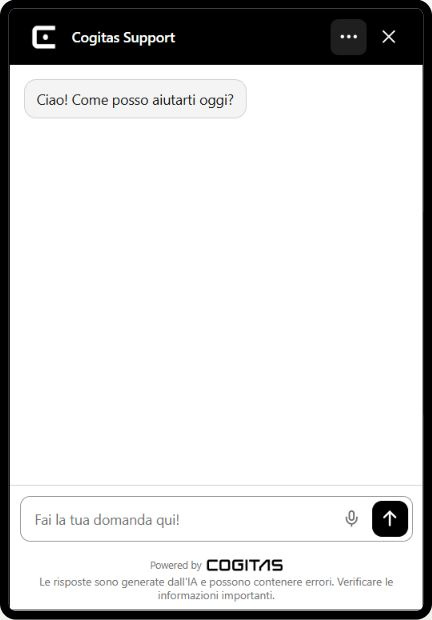
One request. Same conversation.
Visitors can request a human agent directly in chat. If the team is unavailable, they can leave a request and contact details.
Enter knowing exactly what's needed.
Read what the customer asked and the answers received. Then join the conversation using the Take over button.
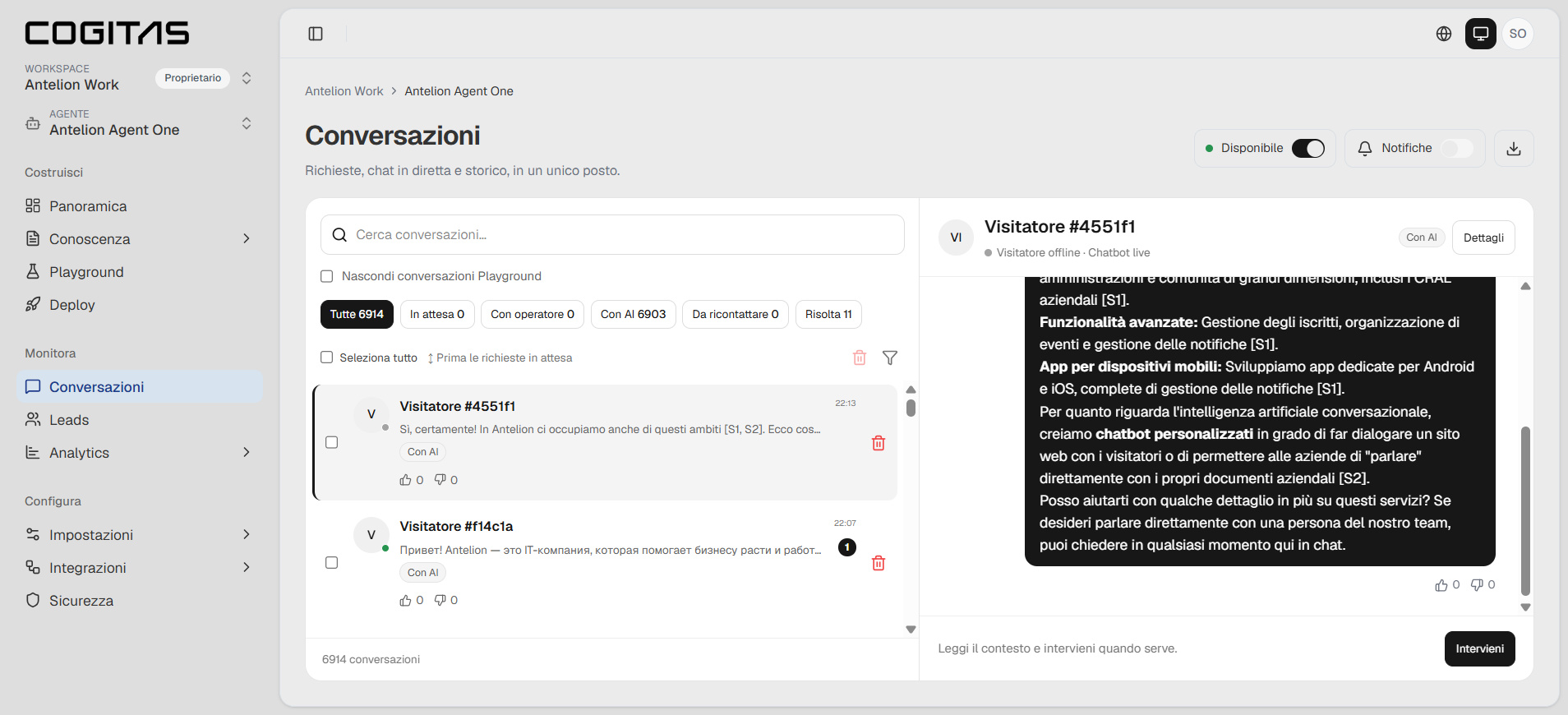
Your next intervention starts here.
Requests, live chat, and history: find the conversation and pick up where you left off.
- 1Decide when to be available
Set team availability.
- 2Find the context
Read the history on the same screen.
- 3Do your part
Join the chat when your help is needed.